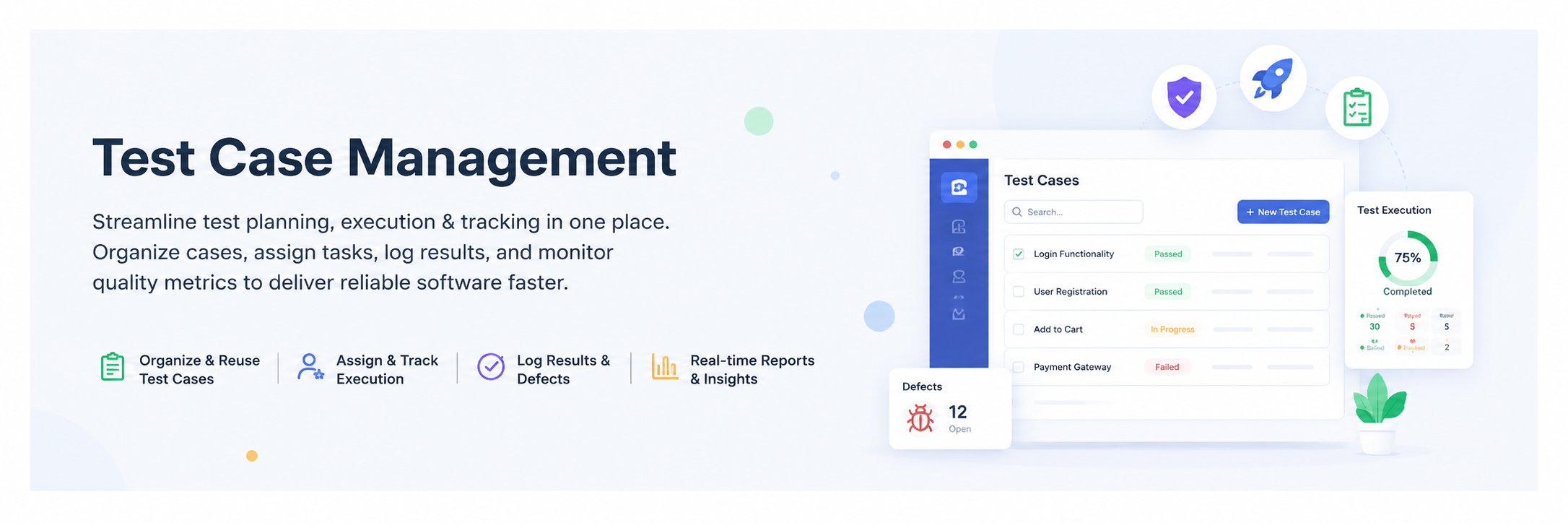
Test Case Management
Site Setting
Configure system-wide settings like branding, environment, and application preferences.
Role Management
Manage user roles and permissions for secure access control.
Invite Team
Invite new users to collaborate in the workspace or project.
Workspace / Group / Team
Organize teams and groups for better project collaboration and structure.
Project List
View and manage all projects under the organization.
Requirements
Define and track project requirements with full traceability.
Test Cases
Create, manage, and organize test cases for quality assurance.
Review Management
Review and approve test cases before execution.
Test Run & Results
Execute test runs and analyze detailed execution results.
Issues
Track bugs, defects, and their resolution status.
Reports
Generate detailed reports for test coverage and execution insights.
Automation
Automate test case generation and execution using AI-powered features.
Integration
Connect and manage external tools and services to streamline workflows.
AI Test Cases Features
Generate intelligent test cases using AI-driven suggestions and automation.