Invoices
How to Download Invoices in QA Touch
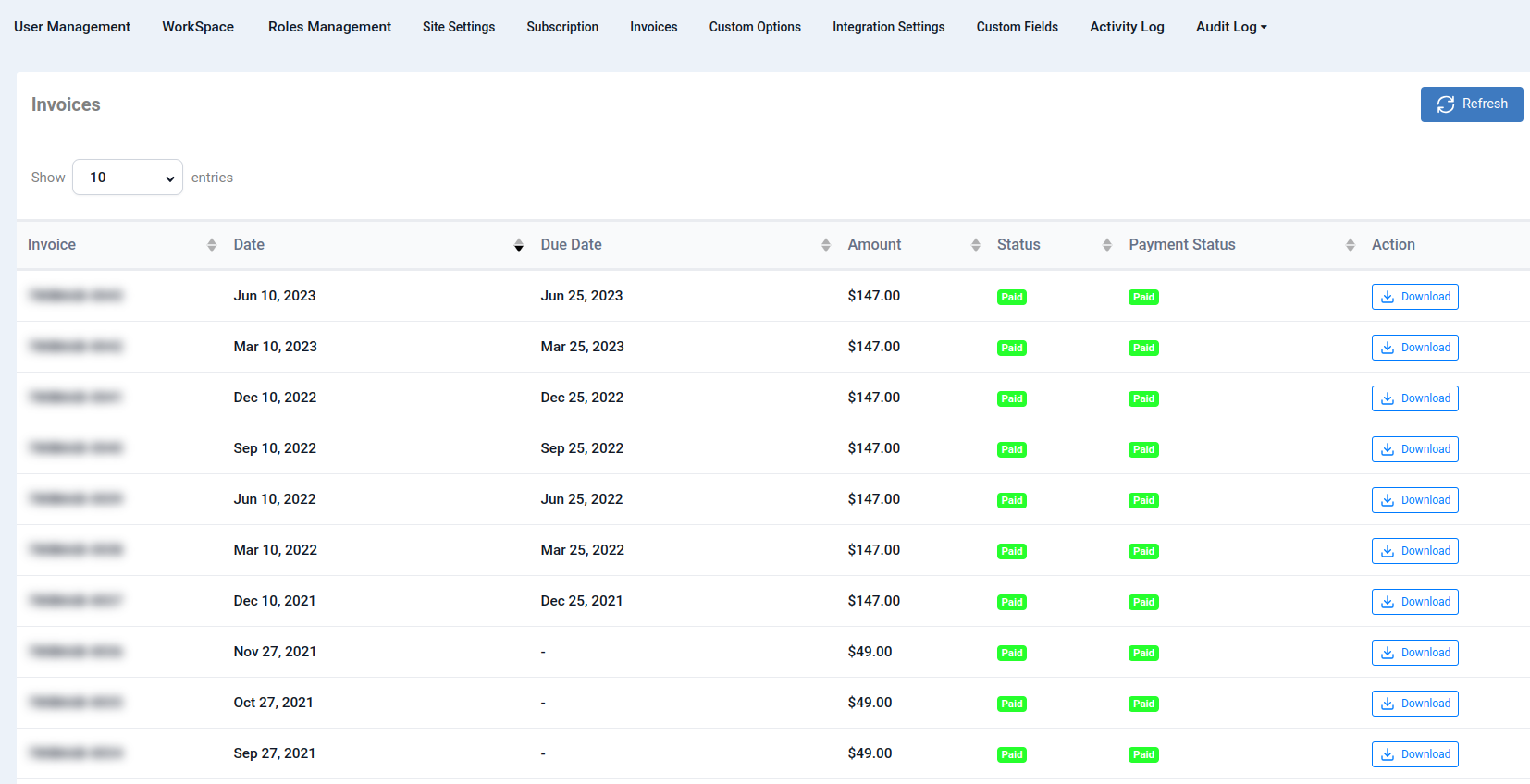
You can download your QA Touch invoices for a specific month from the Administration section.
Steps to Download an Invoice
- Log in to your QA Touch account.
- Click Administration from the navigation menu.
- Select the Invoices tab.
- Select the required month to view the invoice.
- Click Download to download the invoice for that month.