Burndown & Velocity Report
Burndown and Velocity Chart Reports
Burndown Chart and Velocity Tracking across the Release View, Custom Dashboard, and Release Reports.
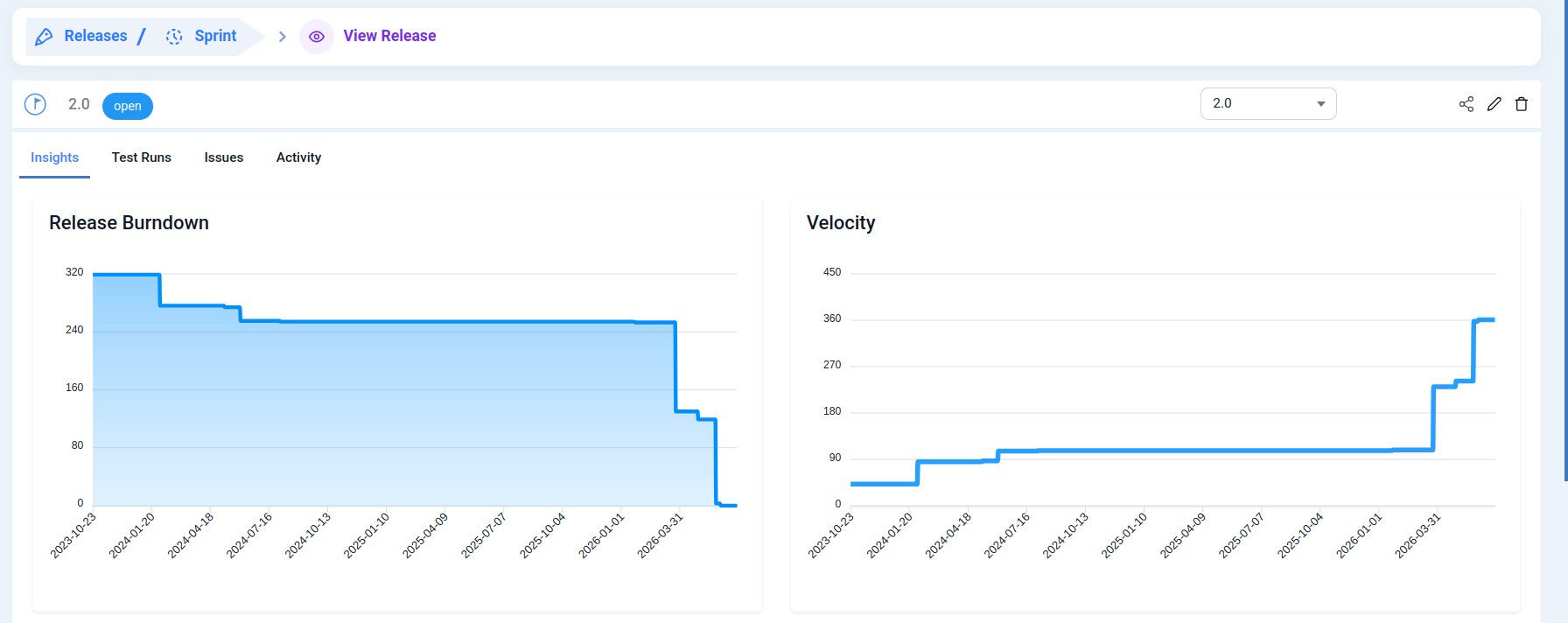
What is Burndown Chart?
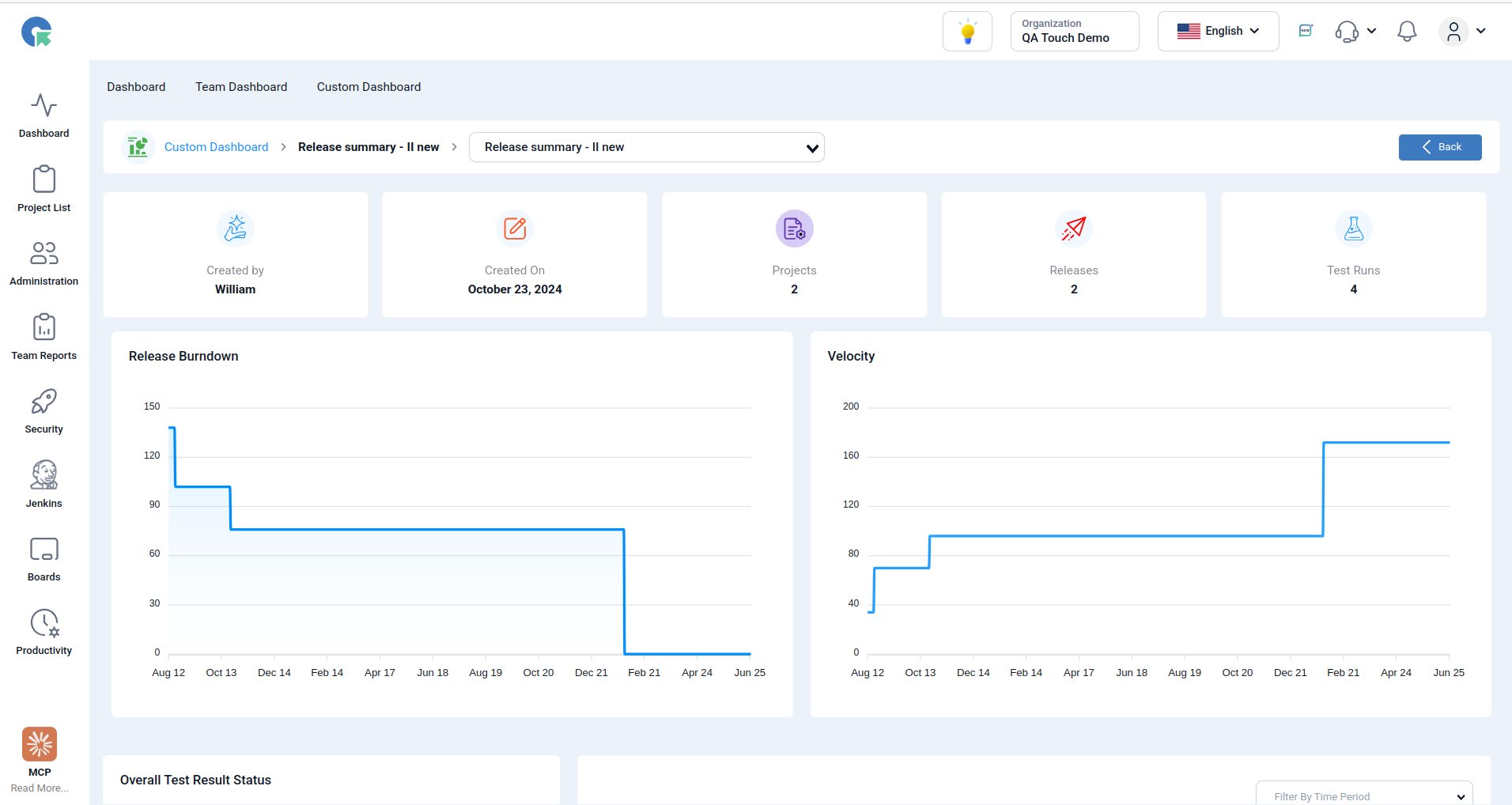
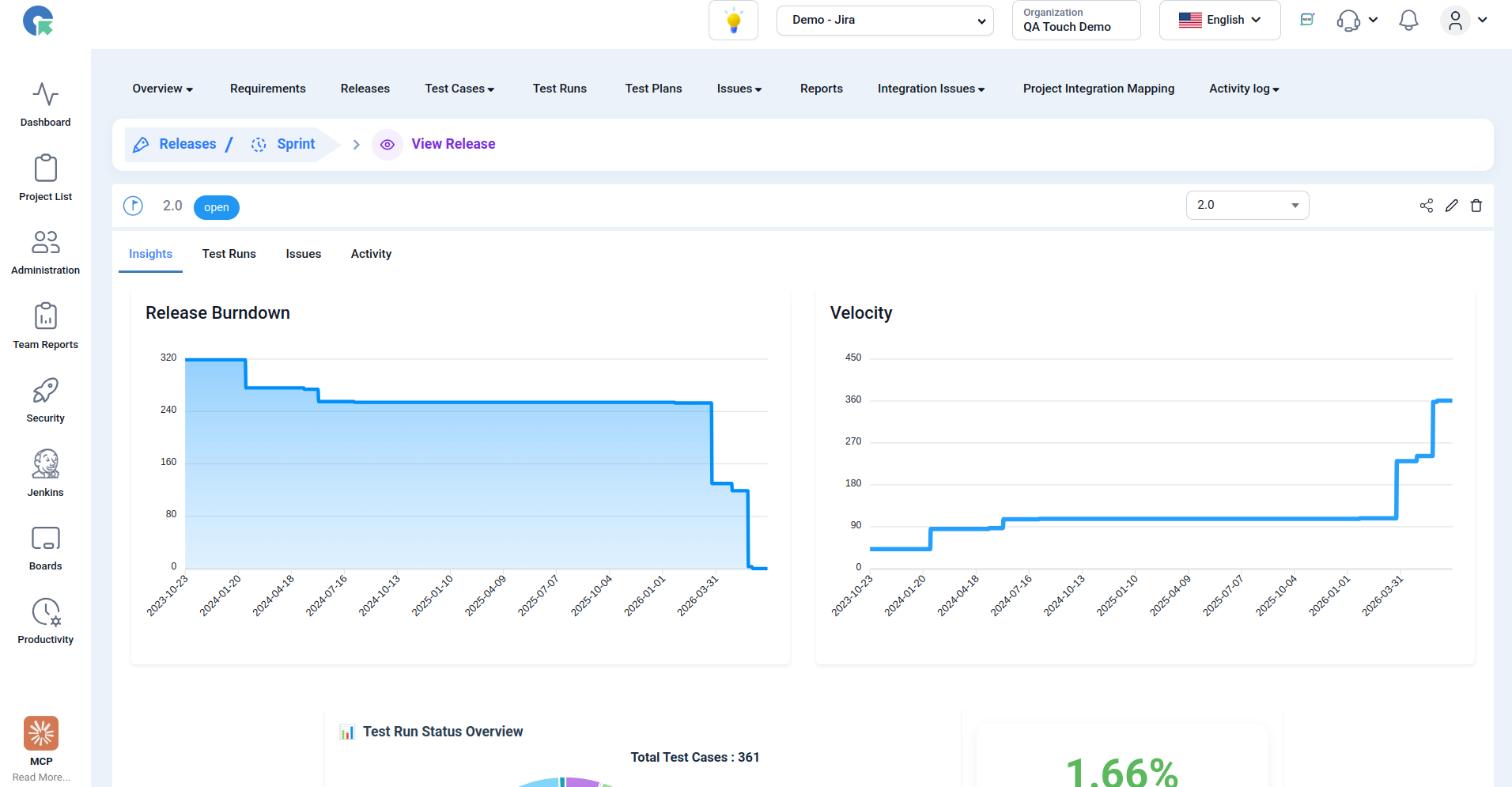
The Burndown Chart provides a day-by-day visualization of the remaining work in a sprint, helping teams track progress and identify potential delays early.
What is Velocity Chart?
Velocity helps teams measure the amount of work completed during each sprint, enabling better sprint planning and forecasting.
Agile
Agile and Release dashboards, these two charts answer different questions
| Chart | Question Answered | Meaning |
|---|---|---|
| Burndown | How much work is remaining? | Shows remaining test cases over time |
| Velocity | How much work is completed? | Shows completed test cases per sprint/test run |
Burndown Chart
A Burndown chart tracks the remaining work in a release.
| Test Run | Completed | Remaining |
|---|---|---|
| Run 1 | 20 | 80 |
| Run 2 | 45 | 55 |
`
Interpretation
- Downward trend = good.
- Flat line = testing is not progressing.
- Reaching zero = release testing completed.
Velocity Chart
Velocity measures how many test cases were completed in each sprint or test run.
Interpretation
- Higher bars = team executed more tests.
- Consistent bars = stable execution pace.
- Sudden drop = bottleneck or reduced testing capacity.
QA Touch Release Summary
Since your dashboard is already release-centric,
Burndown
Remaining = Total Test Cases - Passed - Failed - Blocked - Retest
Plot:
- X-axis → Test Run
- Y-axis → Remaining Test Cases
Velocity
Velocity = Number of test cases executed in that Test Run
Plot:
- X-axis → Test Run
- Y-axis → Executed Test Cases
Custom Dashboard - Multi Release Report
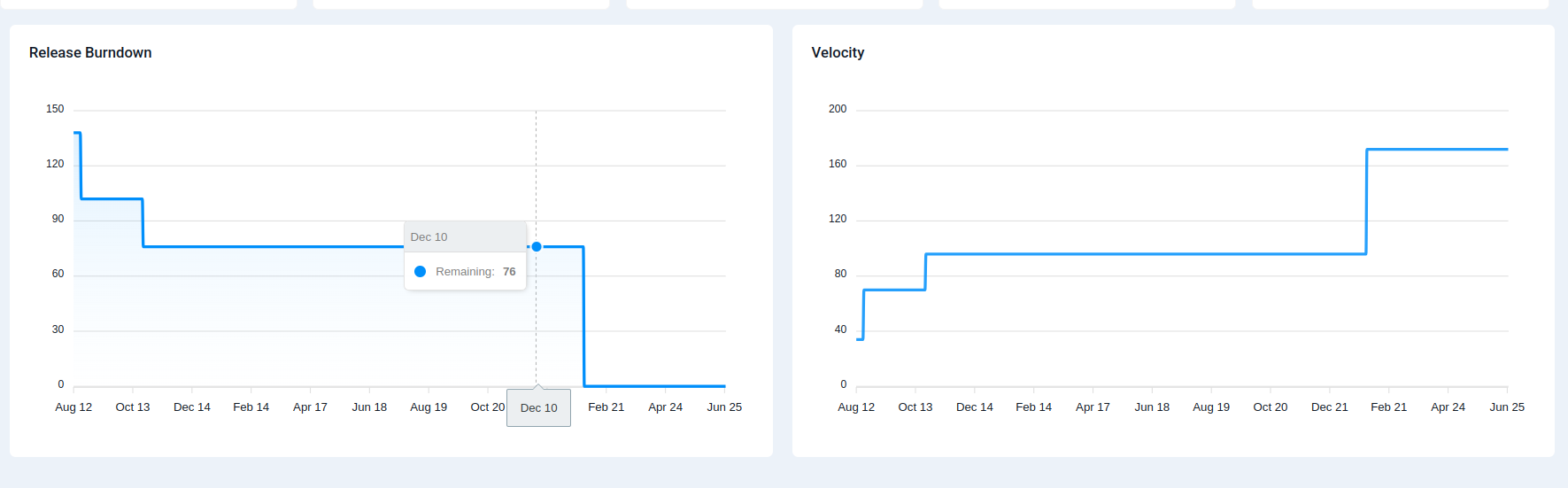
Release View Page
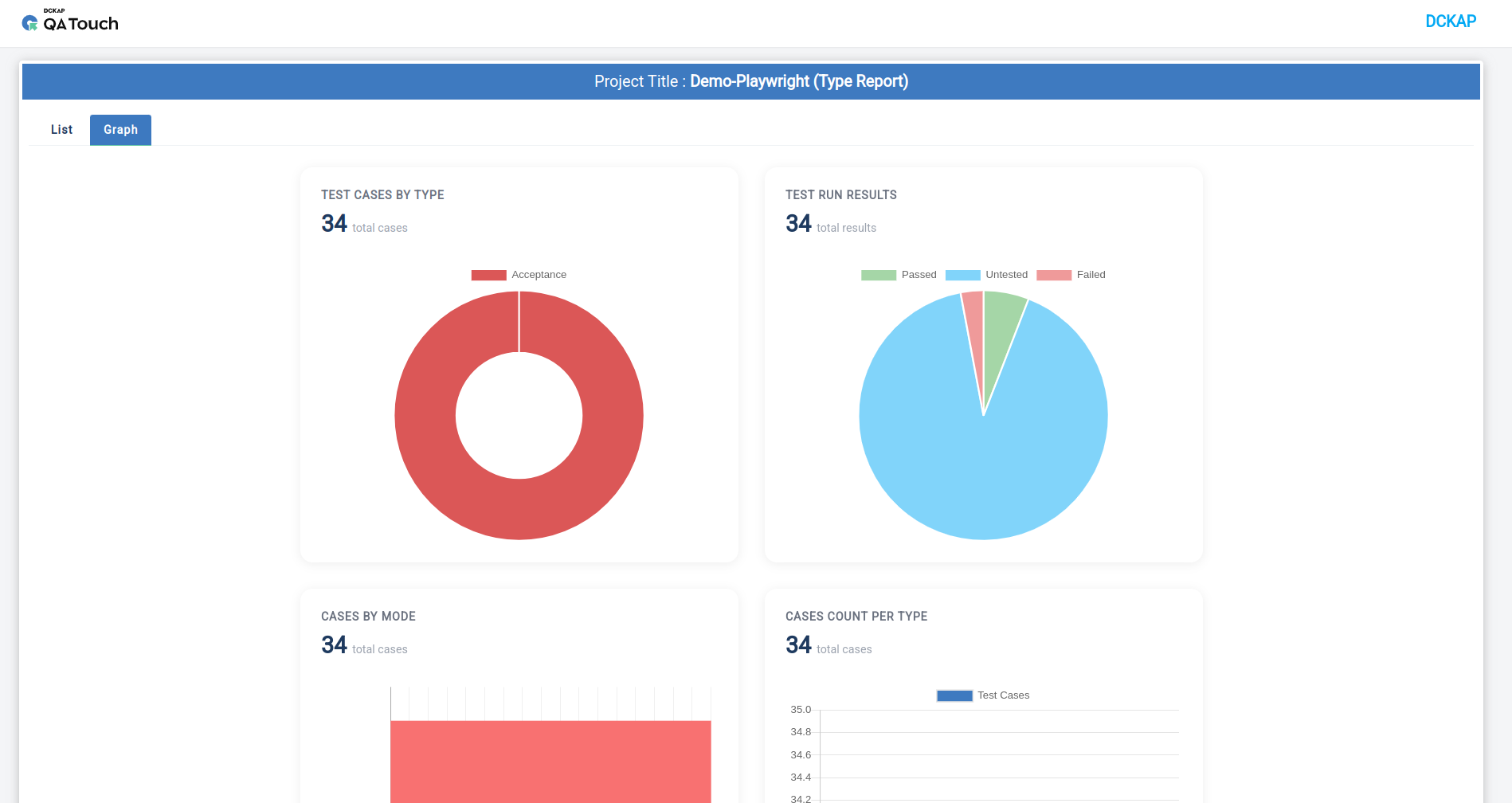
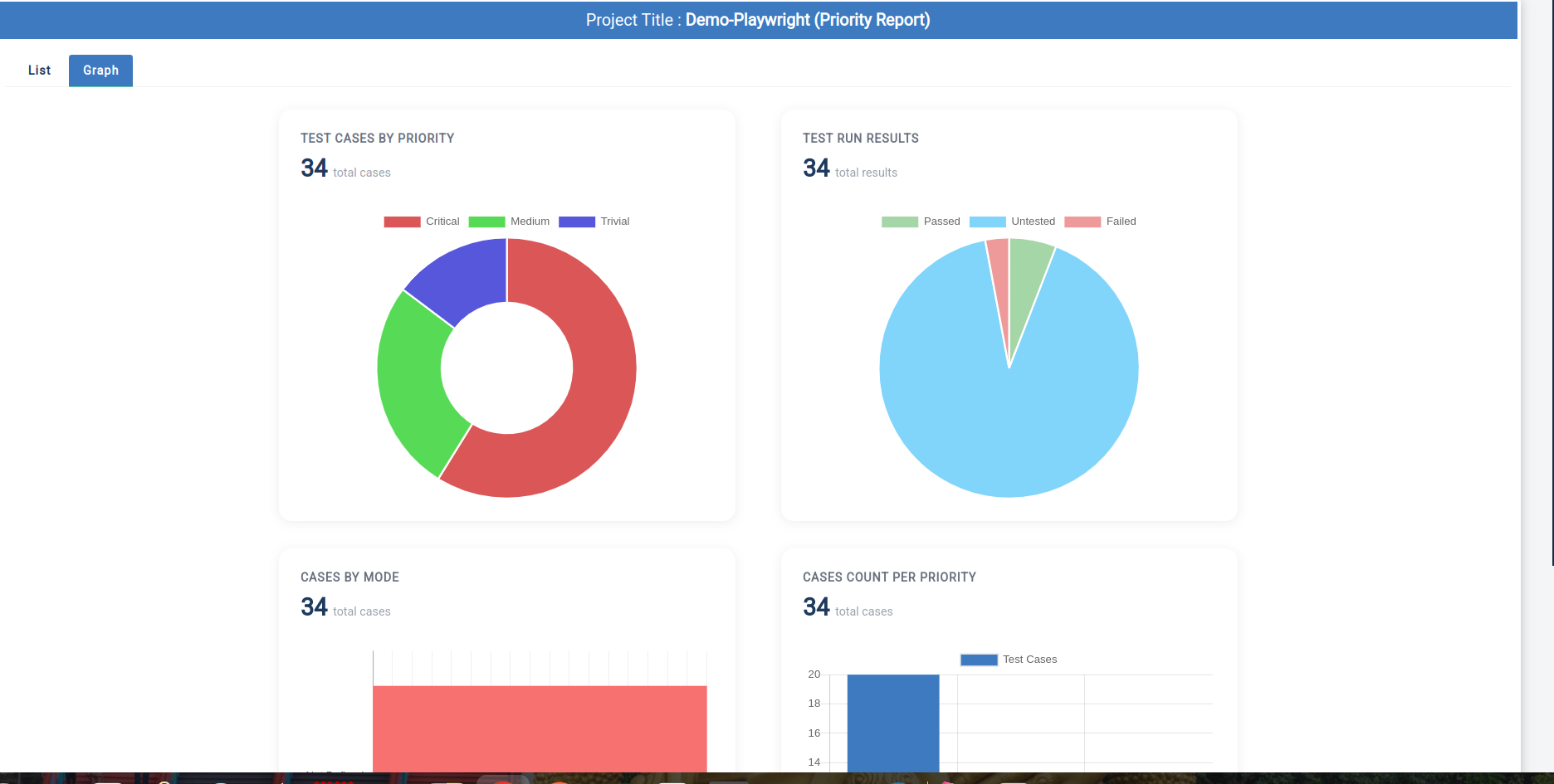
Test Cases by Type / Priority Chart Report
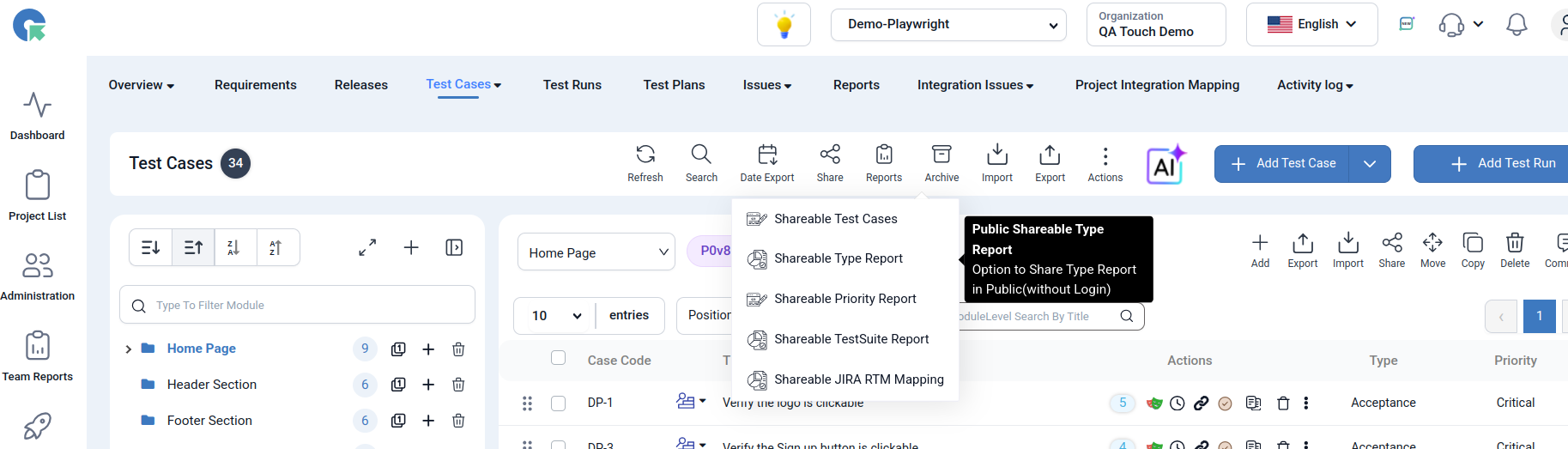
Test Cases by Type and Priority Distribution charts to provide deeper insights into test coverage and testing efforts. These visual reports help teams analyze the composition of their test repository and prioritize testing activities more effectively.
Test Cases by Type
Test Cases by Priority
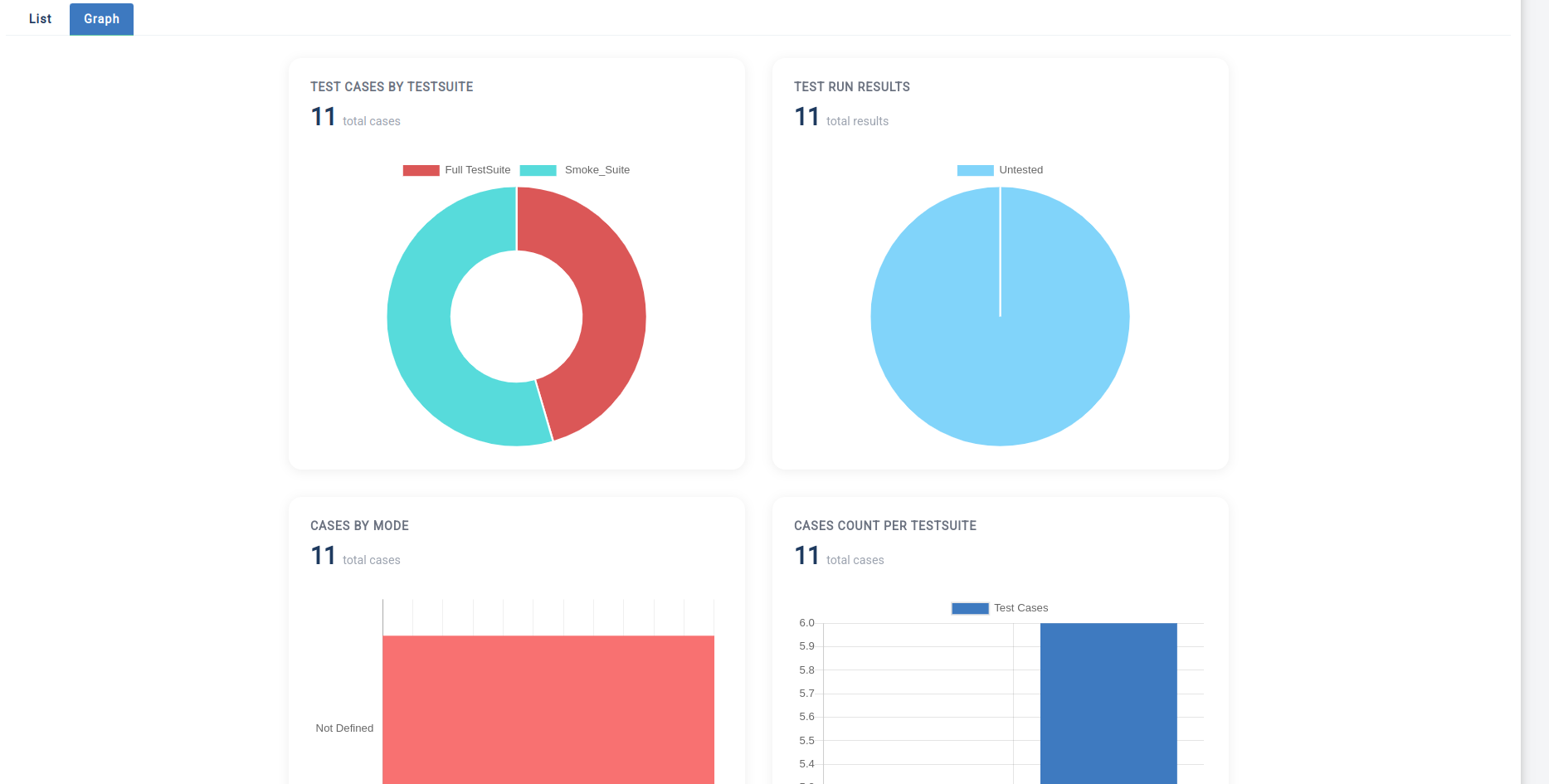
Test Cases by TestSuites
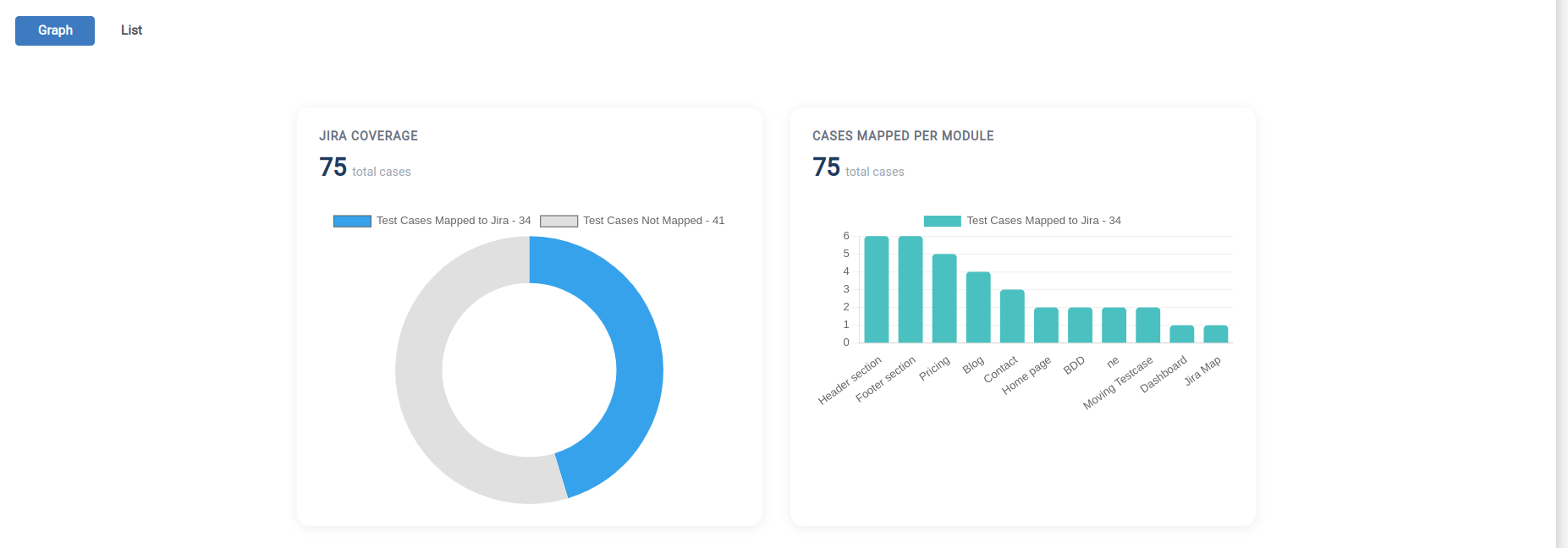
Test Cases by JIRA RTM Mapping