Import BDD Test Case XML
QA Touch allows you to import BDD (Behavior-Driven Development) test cases using XML files. This helps teams migrate scenarios written in Gherkin format (Given,When,Then) into QA Touch seamlessly.
Prerequisites Before importing:
-
Ensure your XML file follows a valid BDD structure
-
Scenarios should be written in Gherkin syntax:
a.
Givenb.Whenc.Then -
File should be properly formatted and free of syntax errors
Sample BDD Structure (XML)
```xml
<testcases>
<testcase>
    <title>Login Test</title>
    <module>Authentication</module>
    <steps>
    <step>Given user is on login page</step>
    <step>When user enters valid credentials</step>
    <step>Then user should be logged in</step>
    </steps>
</testcase>
</testcases>```
How to Import BDD XML File
- Navigate to Test Case List page
- Click on Import
- Select BDD Test Case (XML) option
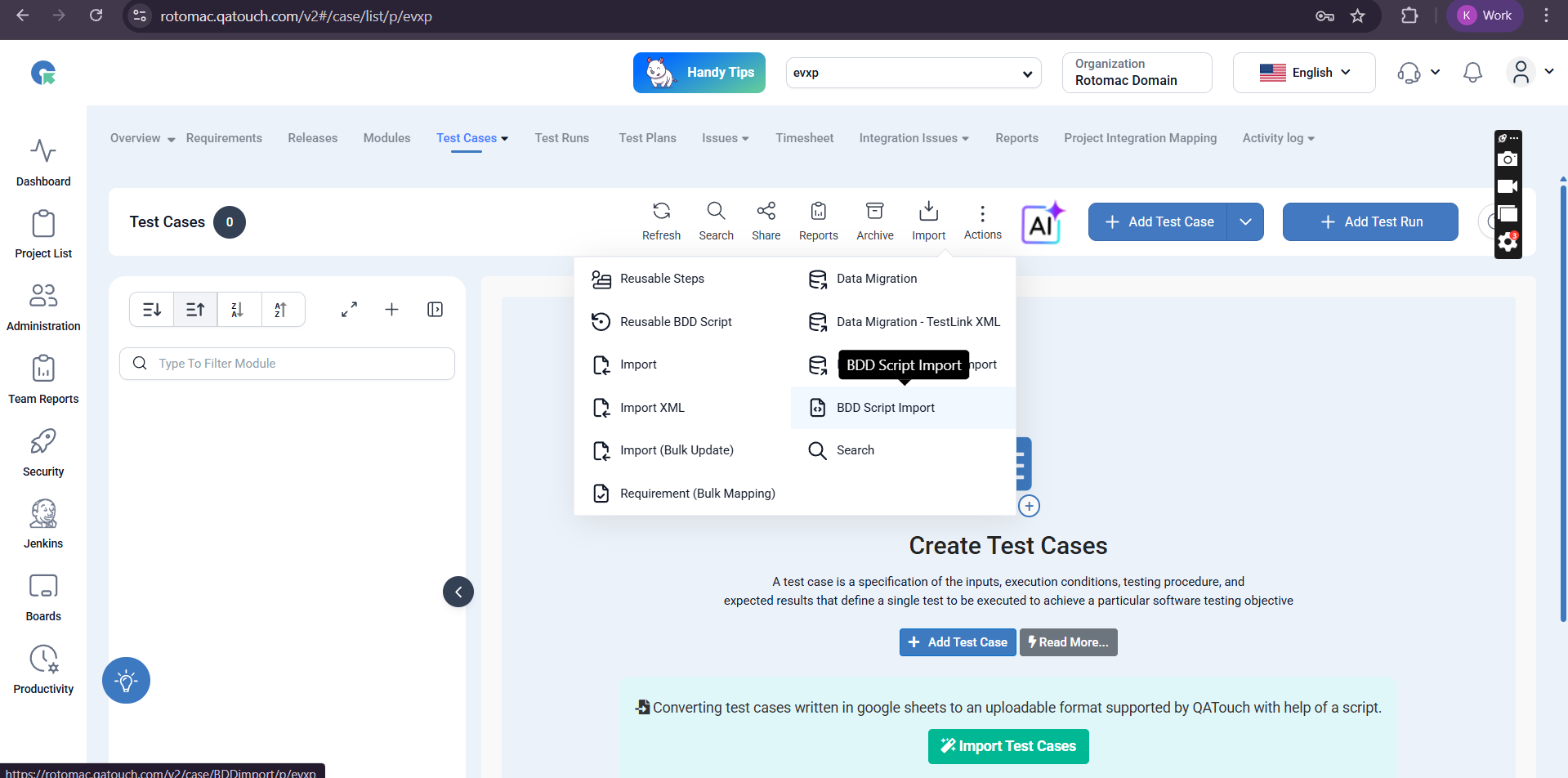
- Upload your
.xmlfile - Click on Import
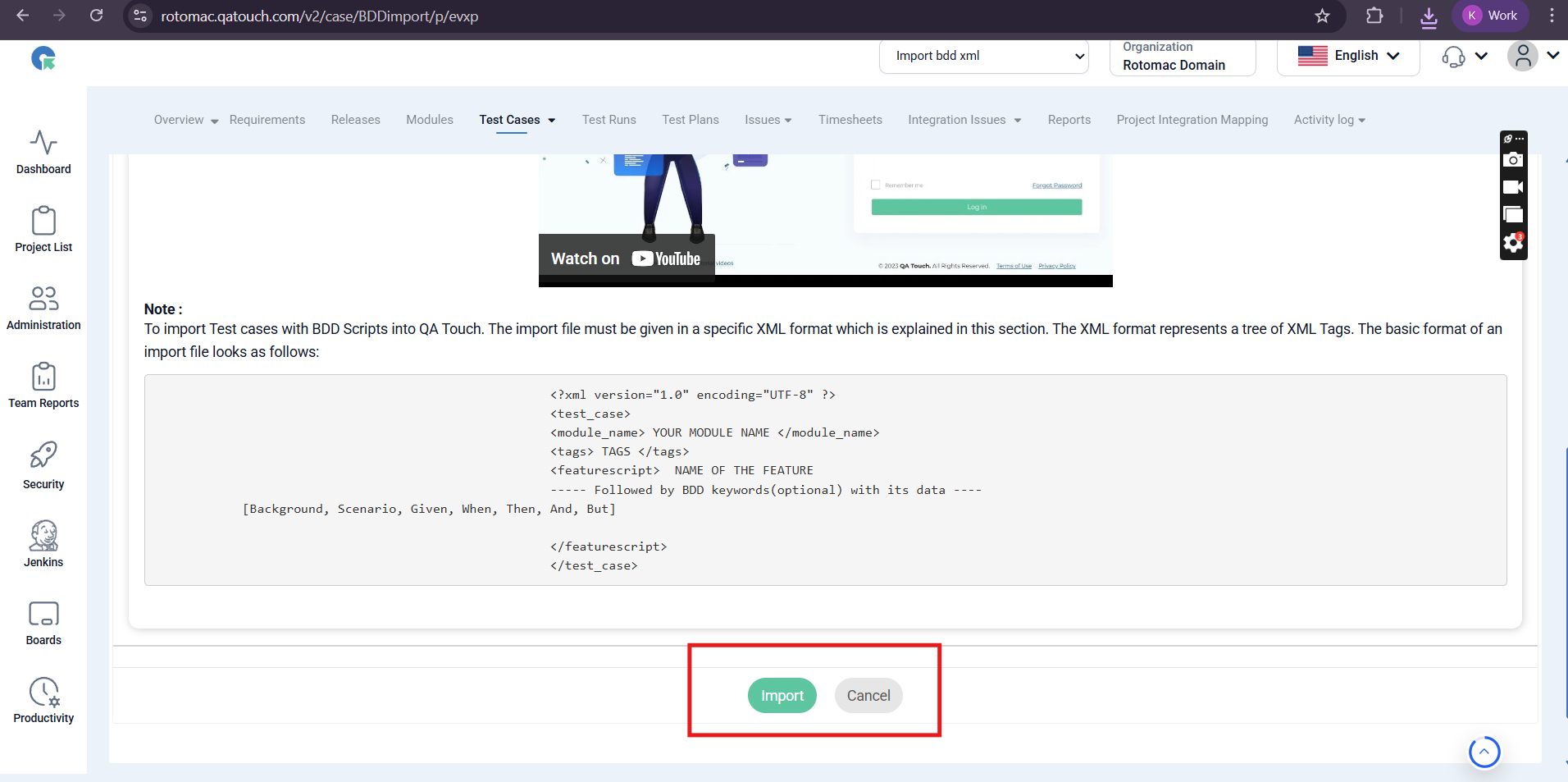
Import Behavior
-
Each BDD scenario will be created as a test case
-
Steps will be captured as:
a. Given b. When c. Then
-
Modules will be mapped based on XML data