Test Case Management (Module / Test Cases)
Modules

How to create a module?
You can create module while creating test cases. Or follow the below steps
- Login to QA Touch.
- Click Project which you wanted to create the modules.
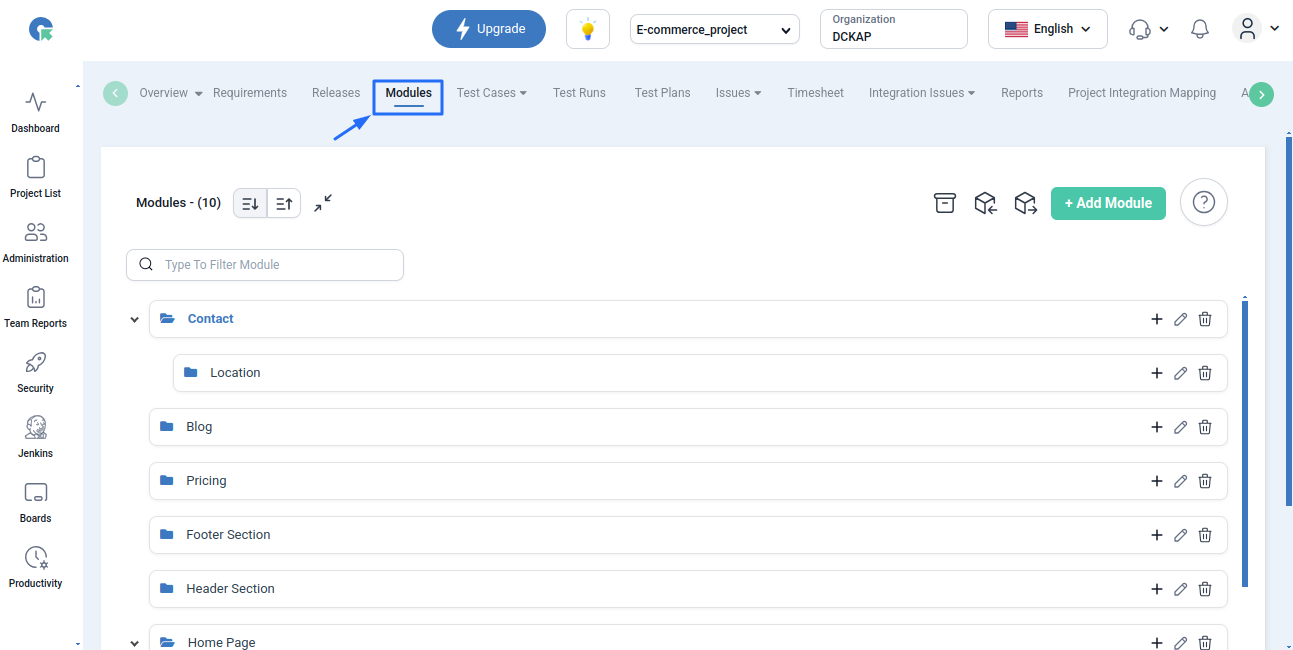
- Click the navigation menu and click Modules.
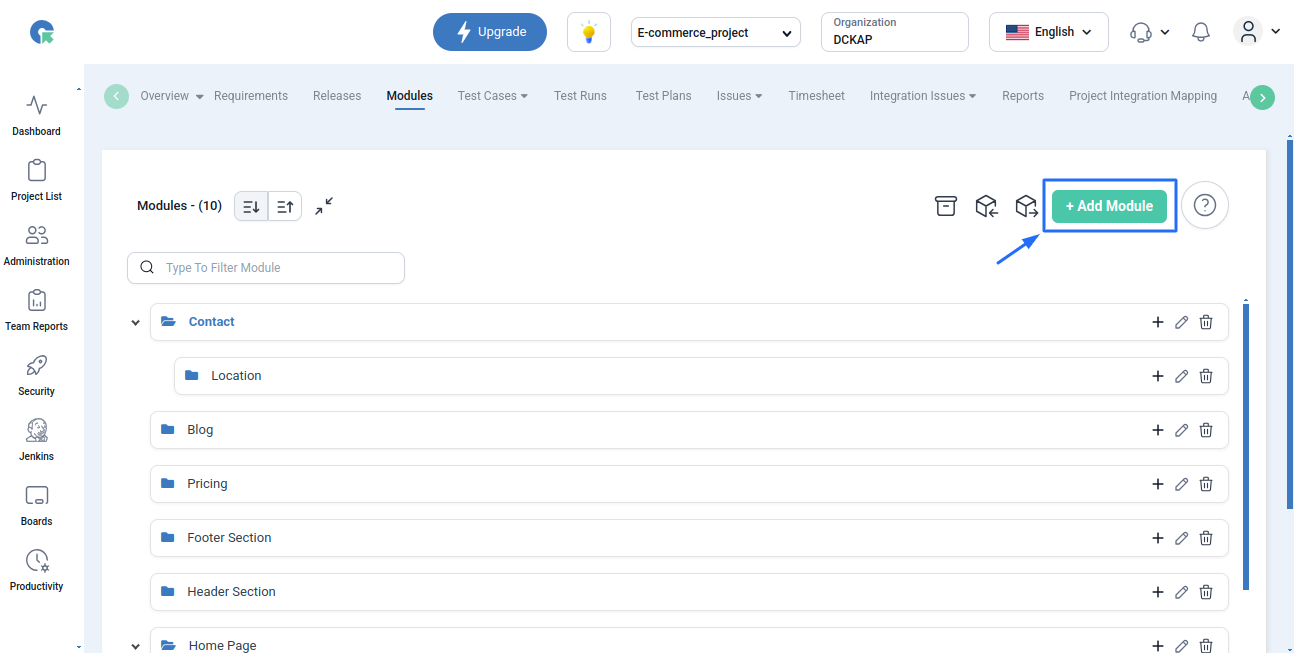
- Click the “+” icon in the Modules.
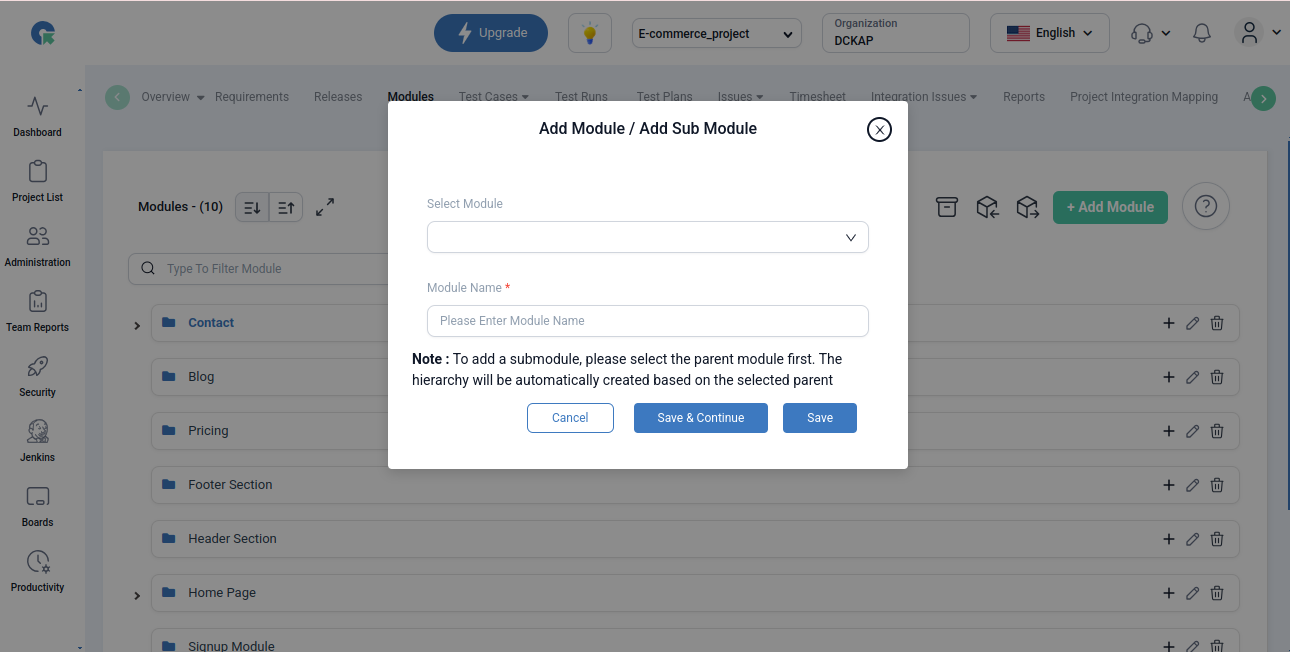
- In the resulting popup, you can create a module or sub-modules.
- Enter Module Name
- Click Save
How to create a sub module?
To add a sub module inside a module
- Click the module
- Module popup will open
- Click + symbol and add a new sub module
- We can also add a submodule by selecting the Module in the add module popup box itself.
How to move the modules by drag and drop?
- Login to QA Touch.
- Click Project which you wanted to Manage the modules.
- Click the navigation menu and click Modules.
- To rearrange the order in the module list - we can drag the module and drop in the required place
- We can also drag and drop a module inside another parent module by same way
Bulk Delete
- To Bulk delete 1 or more modules- select the modules by clicking the checkbox and click delete (Note: By this way - if the selected module has any sub module -it will also get deleted and cannot be retrieved)
- To delete a submodule
- Click on the parent module
- Click on the submodule to be deleted
- Now click the delete button
Test Cases
Overview
A test case is a specification of the inputs, execution conditions, testing procedure, and expected results that define a single test to be executed to achieve a particular software testing objective
How to Create Test Cases in QA Touch Faster with ChatGPT?
How to Create a Project with Sample Data?
- Log in to your account.
- Go to the Projects section from the main menu.
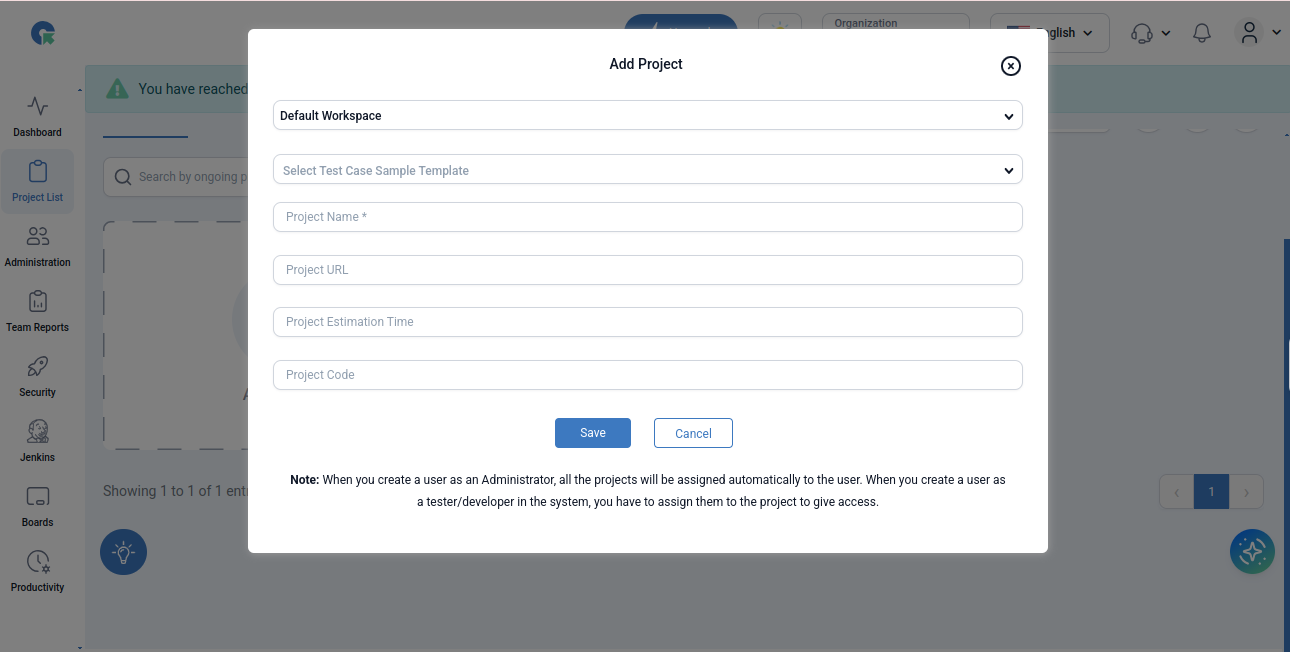
- Click the “Create Project” button.
- Enter Project Name
- Look for the option to Create project with Sample Data (usually a checkbox )
- Verify the entered details.
- Click “Save” or “Create” to finalize the project.
What are all the test case templates available in QA Touch?
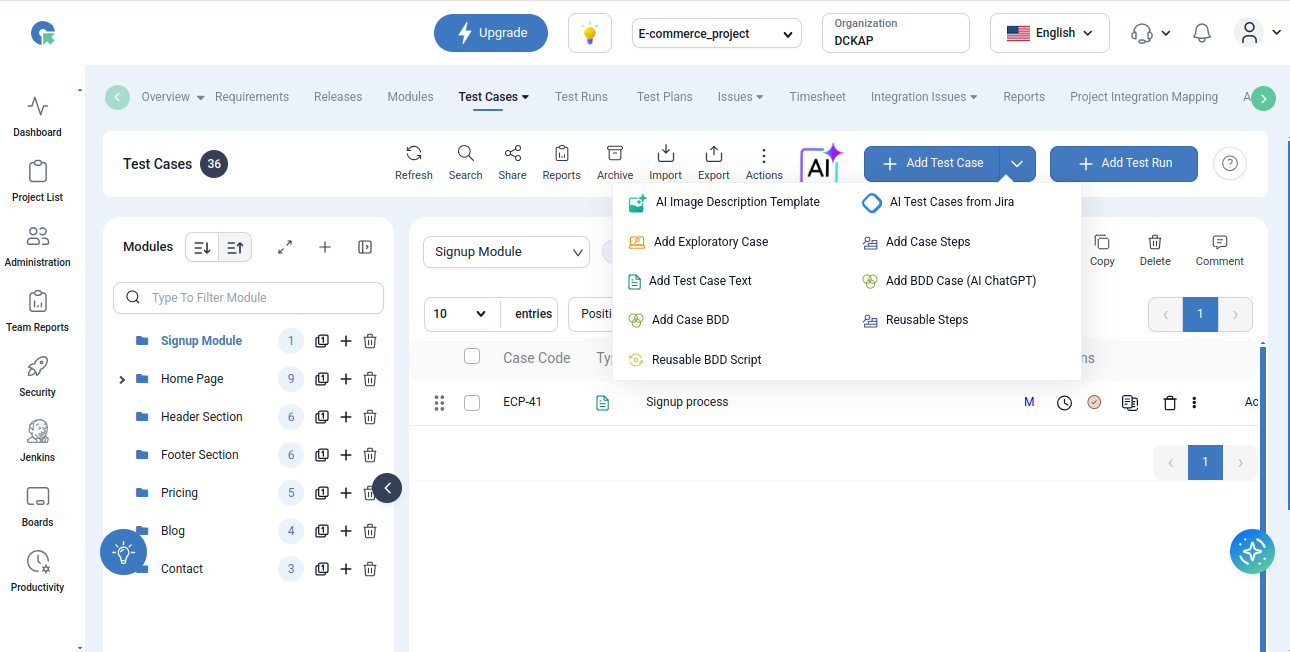
There are 4 types of test case templates available in QA Touch.
- Exploratory Test Case
- Test Case(Text)
- Test Case(Step)
- BDD Test Case
Exploratory Test Case: An informal test case used by testers to explore the application without predefined steps. Test Case (Text): Test case written with an objective(Step) and expected behavior (Expected Result). Test Case (Step): A detailed form of Test case where each and every action is well written in the form of multiple steps and expected results. BDD Test Case: Behavior-Driven Development (BDD) test cases follow Gherkin Keywords like Given-When-Then format to describe scenarios in simple, non-technical language.
How to use AI Chatbot of QA Touch?
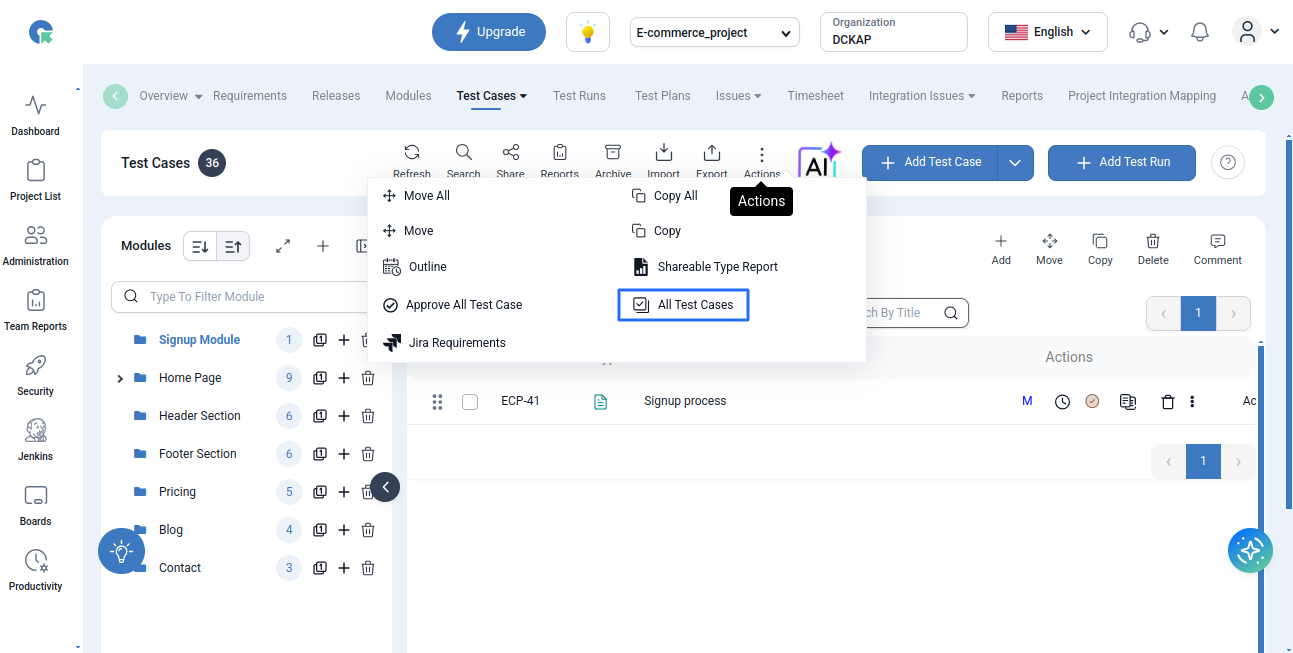
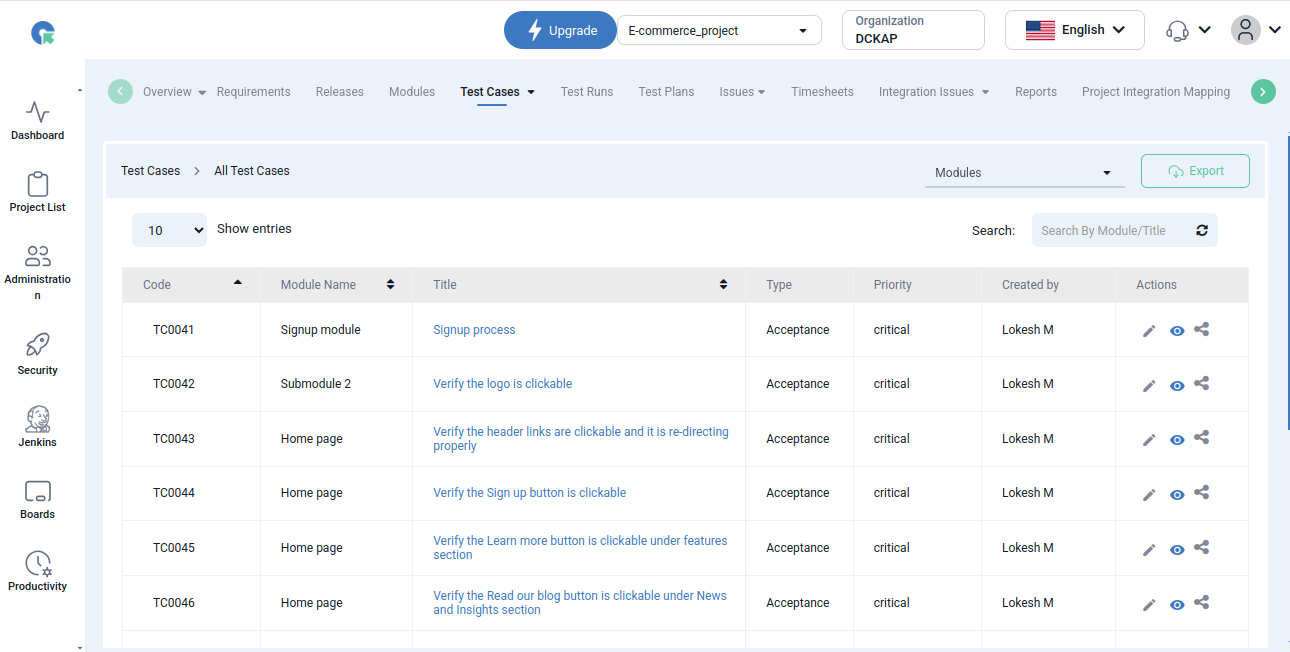
All Testcases
- Click on All testcase button
- It will redirect to All Testcase page
- Here will see the all Testcases