End to End Agile Testing Platform
For everything you need to know about QA Touch at one place
AI Test Management Platform with MCP for AI Assistants
Explore QA Touch video tutorials and step-by-step guides to improve your test case management and Stop juggling between disconnected tools. QA Touch is an AI test management platform for test cases, test runs, requirements, defects and releases. Generate test cases with AI, and connect Claude, Cursor and other MCP-compatible AI assistants to your QA workspace.
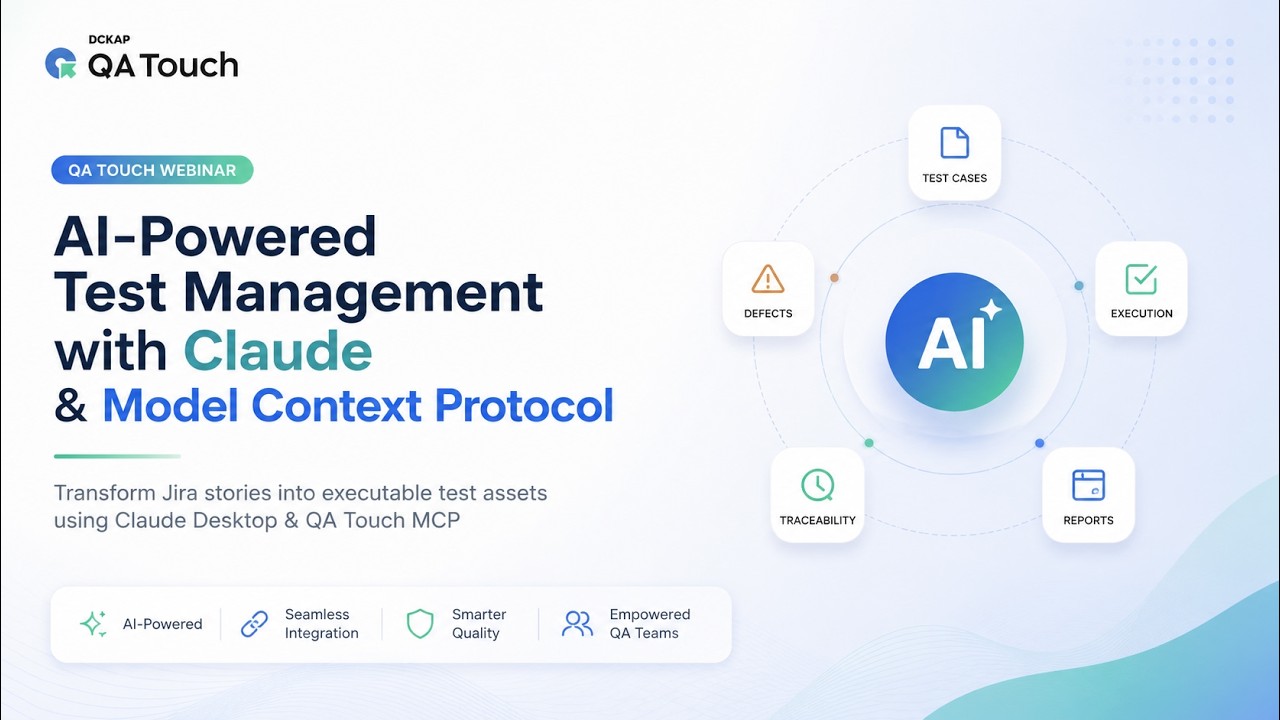
Videos (22)
AI Test Management Features: Generate Test Cases from Jira, BRDs, Designs and Prompts
Generate test cases with QA Touch AI from Jira stories, BRDs, Figma designs and prompts. Then manage them in QA Touch, or work with them from your AI assistant through QA Touch MCP.

Prompt to Test Case
Convert simple text-based requirements, ideas, or prompts into fully structured and detailed test cases automatically. This feature helps QA teams save time by generating test steps, expected results, preconditions, and edge scenarios.
Read More →

Figma / Mockup to Test Case
QA Touch analyzes screens, user flows, and UI elements to create functional and validation-focused test cases, helping teams validate design intent early and reduce gaps between design and testing.
Read More →

JIRA Stories to Test Case
Automatically create complete and traceable test cases from existing JIRA stories and acceptance criteria. This feature ensures every requirement is properly covered, improves collaboration between QA and development teams.
Read More →

BDD Scripting
Automatically generate well-structured test case descriptions and Behavior-Driven Development (BDD) scripts using AI. This feature converts functional requirements into readable Given-When-Then scenarios.
Read More →
AI Test Case Generate based on Business Requirement Document format
Generate test cases instantly by analyzing your Business Requirement Document (BRD). Significantly accelerate test preparation and ensure comprehensive coverage.
Read More →
AI Test Parameters
Data-Driven Testing (DDT) empowers teams to execute a single test scenario against thousands of unique datasets, eliminating the need for redundant code or manual duplication.
Read More →

Generate API Test Cases from Postman and Swagger
Generate accurate API test cases from Postman collections and Swagger API documentation in seconds.
Read More →

MCP QA Touch Claude
Connect Claude with QA Touch through MCP for smarter test management, automation, and team productivity.
Read More →

KIRO Agentic IDE
Power your KIRO Agentic IDE workflow with MCP-driven test case generation and intelligent testing capabilities.
Read More →
Test Case Management Platform for Collaborative QA Teams
QA Touch is a test management platform that helps developers and testers collaborate, manage test cases, and streamline QA workflows to deliver error-free projects faster.

Invite Team
Invite team members to collaborate in QA Touch and manage roles, access, and project participation.

Role Management
Create and configure organization-specific roles for your team

WorkSpace/Group/Team
This feature allows users to organize their projects and collaborate effectively

Site Setting
Centralized control panel for managing all configurations including Pagination, function settings, Queue, and email preferences

Project List
Create, View, Assign, Track and Manage all your projects in one place

Test Cases
Painless option to Create, Organize, Test, and Re-use your Test assets

Test Run & Results
Pick Test cases with robust filters, Create, Start and Execute Test runs. Focus on results that matter

Requirements
In-built Requirements with Traceability Matrix(RTM) to make deliverables more effortless

Issues
Track down every bug till closure using our In-built Issues module

Reports
Rich reports with Scheduler, Integration Reports, Productivity Reports

Review Management
A workflow for reviewing, approving, or rejecting test cases, ensuring test cases standards.

Version History
A tracking feature that maintains records of changes made to Test cases. It maintains all previous versions of it

Custom Option
Personalize options to existing QA Touch fields. Add, Edit, Enable/Disable options
Custom Fields
Craft your own Flow, and make custom fields specific to your business requirements

SSO Integration
Single Sign-On feature that allows users to authenticate through Google, OKTA and Microsoft Azure
Audit Log
Tracks all pivotal activities in QA Touch. Time-stamped record of activities or changes across projects. Makes administration effortless

AI Test Cases Features
Generate, manage, and optimize test cases using AI to improve testing efficiency and accuracy.
Integrations
Connect QA Touch with tools like Jira, GitHub, and more for seamless workflow and collaboration.

Automation
Streamline testing with automation support to execute test cases faster and ensure consistent results.

Shareable Dashboard
Share real-time dashboards publicly without login to track testing progress and insights easily.
Benefits of QA Touch Test Case Management Platform
Explore how QA Touch improves test case management with AI-powered creation, accessibility testing, built-in bug tracking and more to help teams deliver error-free projects.

AI Test Case Management
Effortlessly create, organize, and maintain high-quality test cases with AI assistance. It helps you generate detailed test cases from requirements, improve existing cases, identify gaps, and keep everything consistent—saving time while ensuring better test coverage.

Web Accessibility Testing
Ensure your website is usable for everyone, including people with disabilities. This feature helps you identify accessibility issues, validate compliance with standards like WCAG, and improve the overall user experience with actionable AI-driven suggestions.

Inbuilt Bug Tracking
Streamline your testing workflow with a built-in bug tracking system. Log, track, and prioritize defects directly within the platform, ensuring faster resolution, clear communication, and a seamless end-to-end testing process.

Requirements & Traceability
Maintain complete alignment between requirements, test cases, and defects with end-to-end traceability. Easily track test coverage, identify gaps, and ensure every requirement is validated throughout the testing lifecycle for better quality and accountability.
Productivity Report
The Productivity Report helps you track and analyze user activities across projects in one place. Get clear insights and Track actions like test case creation, execution, Issues and overall contribution. It helps managers identify workload distribution, productivity gaps, and team efficiency.

Multi-Factor Authentication (MFA)
Multi-Factor Authentication adds an extra layer of security to your QA Touch account. Verify user identity using a second level authentication factor beyond just a password. This helps prevent unauthorized access and keeps your data safe.
15+ Integrations, Plus MCP for AI Assistants
QA Touch integrates with your project, code, automation and communication tools, and connects to AI assistants through QA Touch MCP.
Two Way Integration

JIRA Cloud Integration
Plan, track, and manage their work

Monday.com
Helps teams streamline their workflow, collaborate seamlessly, and manage complex

GitHub
Code hosting platform for version control and collaboration

GitLab
Open source code repository and collaborative software development

Linear Integration
Fast growing engineering teams looking for a streamlined
Issue Tracking Integration

JIRA APP
Proprietary issue tracking product that allows bug tracking and agile project management

Trello
Visual tool that empowers your team to manage any type of project, workflow, or task tracking
YouTrack
Lets you configure an Agile Board to work with the way you work

Redmine
Flexible project management web application

ClickUp
Get everyone working in a single platform
Collaboration

Slack
Instant messaging program for professional and organizational communications

Microsoft Azure Boards
Service for managing the work for your software projects. Teams need tools that flex and grow

Bugzilla
Open-source issue/bug tracking system that allows developers to keep track of outstanding problems

Bitbucket
Git based code hosting and collaboration tool, built for teams

Asana
helps you organize complex work across teams to drive business outcomes
Two Way Integration
Issue Tracking Integration
Collaboration
JIRA Cloud Integration
Plan, track, and manage their work
JIRA APP
Proprietary issue tracking product that allows bug tracking and agile project management
Slack
Instant messaging program for professional and organizational communications
Monday.com
Helps teams streamline their workflow, collaborate seamlessly, and manage complex
Trello
Visual tool that empowers your team to manage any type of project, workflow, or task tracking
Microsoft Azure Boards
Service for managing the work for your software projects. Teams need tools that flex and grow
GitHub
Code hosting platform for version control and collaboration
YouTrack
Lets you configure an Agile Board to work with the way you work
Bugzilla
Open-source issue/bug tracking system that allows developers to keep track of outstanding problems
Start Today
Ready to master QA Touch?
Book a free 20-min 1-on-1 session with our experts and unlock your full potential.
Book Now!!AI Testcase
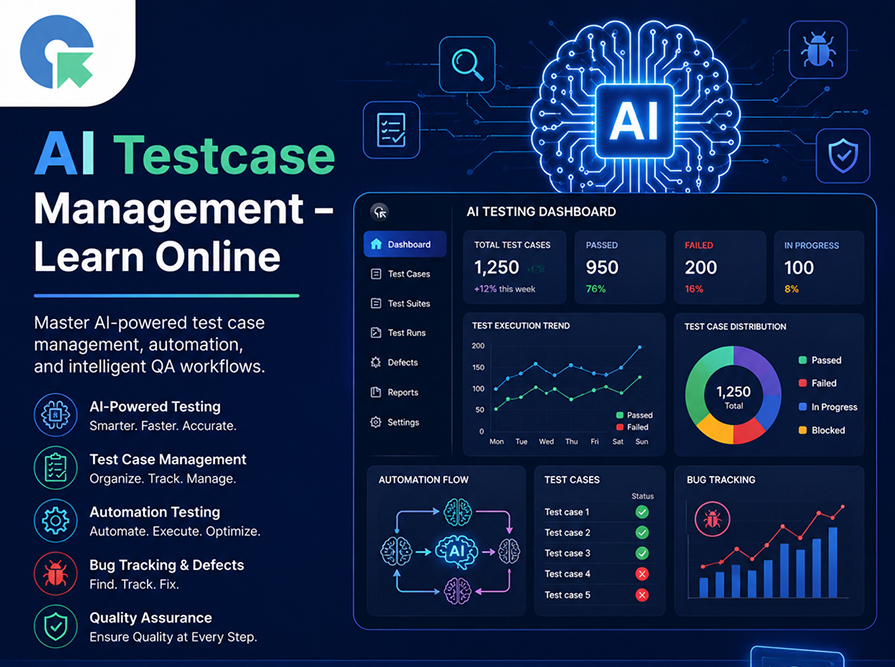
Management – Learn Online Course
Master AI-powered test case management, automation, and intelligent QA workflows with modern tools and practical learning.
Most asked question
What makes us different from AI Test Case Management tools and why?
This is one of the most frequent questions we receive when showcasing QA Touch, so let’s dive into the details.
1. How To Import Test Cases From Other Tools In QA Touch?
2. 400 test cases in my CSV file, but QA Touch imports only 320 test cases
3. How to Set up Issue Workflow for Developer in QA Touch?
4. How can we change the Super Admin role to another user account?
5. Difference between system and custom role
6. How to set Temporary password to team members as an Administrator?